

How to Protect Valuables in Offices Effectively
Every office manager knows the risks of leaving valuable documents and tech equipment vulnerable, especially in environments where threats can emerge unexpectedly. Strong security begins with understanding potential weak spots before damage happens, making vulnerability assessment a key priority for protecting assets. This guide walks through practical steps professional offices can use to improve defenses, including evaluating risks, upgrading locks, deploying surveillance, tightening access, and maintaining continuous security.
Table of Contents
- Step 1: Evaluate Office Security Vulnerabilities
- Step 2: Install Advanced Locks and Secure Safes
- Step 3: Deploy Surveillance Systems Strategically
- Step 4: Limit Access to Sensitive Areas
- Step 5: Verify and Maintain Security Measures
Quick Summary
| Key Message | Explanation |
|---|---|
| 1. Conduct Regular Vulnerability Assessments | Ongoing evaluation identifies weaknesses and improves security measures. |
| 2. Implement Advanced Locking Systems | Use high-security locks and safes to protect valuable assets effectively. |
| 3. Deploy Strategic Surveillance Solutions | Proper camera placement enhances monitoring and deters potential threats. |
| 4. Establish Effective Access Control Protocols | Limit access to sensitive areas using multi-factor authentication. |
| 5. Maintain Continuous Security Measures | Regular audits and updates ensure robust, adaptive security practices. |
Step 1: Evaluate Office Security Vulnerabilities
Securing your office’s valuable assets starts with a comprehensive vulnerability assessment. This critical first step helps you identify potential weak points that could compromise your organization’s security and protect against potential risks.
To conduct an effective security vulnerability evaluation, follow these systematic steps:
- Perform a comprehensive physical walkthrough of your entire office space
- Review current access control systems and entry points
- Analyze existing security infrastructure like cameras and alarm systems
- Document potential vulnerabilities in detailed assessment reports
Start by identifying potential security threats comprehensively. This means examining every aspect of your physical environment - from reception areas to server rooms, storage spaces to individual workstations. Look for potential entry points an unauthorized person might exploit, such as unlocked windows, poorly monitored side entrances, or areas with limited visibility.
Key Insight: A thorough vulnerability assessment is not a one-time event but an ongoing process of continuous evaluation and improvement.
Create a structured checklist that covers administrative, physical, and technical security dimensions. This should include reviewing digital access protocols, examining physical barriers, and assessing employee security awareness.
Pro tip: Consider hiring an external security consultant to conduct an unbiased vulnerability assessment, as they can often spot risks you might overlook.
Step 2: Install Advanced Locks and Secure Safes
Protecting your office’s most valuable assets requires strategic selection and installation of advanced locking mechanisms and secure storage solutions. This step focuses on choosing and implementing robust security measures that create multiple layers of protection for your sensitive documents and equipment.
Begin by selecting locks that meet rigorous security standards. Department of Defense-approved lock systems provide an excellent benchmark for high-security environments. Look for locks with advanced features such as:
- Electromechanical combination locks
- Biometric authentication systems
- Multiple authentication factor mechanisms
- Tamper-resistant design elements
When installing safes, consider both physical durability and technological sophistication. Choose safes constructed from high-grade steel with reinforced locking mechanisms that resist drilling, cutting, and other potential breach attempts. Location matters significantly - install safes in areas with limited visibility and controlled access.
Key Insight: A high-quality safe is only as secure as its installation and surrounding security infrastructure.
Prioritize safes with multiple locking points, thick steel walls, and integrated alarm systems. Some advanced models offer digital tracking and remote monitoring capabilities, allowing you to log and track every access attempt.
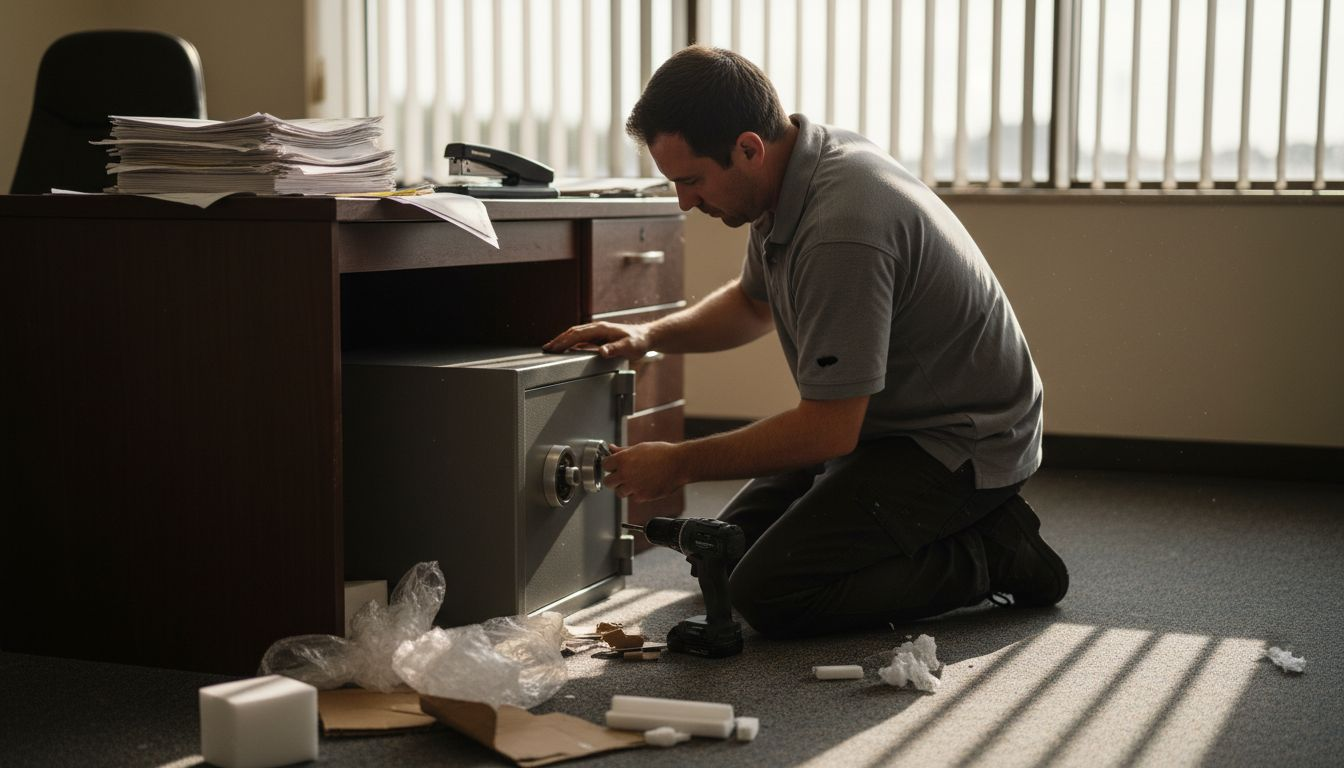
Pro tip: Regularly update combination codes and conduct periodic security audits to ensure your locking systems remain effective against evolving threats.
Step 3: Deploy Surveillance Systems Strategically
Effective office security demands a comprehensive surveillance strategy that provides complete coverage while maintaining employee privacy and operational efficiency. Your goal is to create a robust monitoring system that deters potential security threats and provides actionable intelligence when incidents occur.
Advanced autonomous surveillance technologies offer sophisticated options for modern office environments. When planning your surveillance deployment, consider these critical strategic placement guidelines:
- Camera positioning to maximize coverage
- Minimizing blind spots in high-risk areas
- Balancing visual monitoring with employee privacy concerns
- Using cameras with advanced features like motion detection
Focus on creating layers of surveillance that provide comprehensive protection. Key entry points require the most intensive monitoring - think reception areas, server rooms, and areas containing sensitive documents or valuable equipment. Use a combination of visible and discreet cameras to create both a deterrent effect and comprehensive monitoring capability.
Key Insight: Surveillance is most effective when cameras are strategically placed to cover critical areas without creating an invasive environment.
Consider investing in systems with digital tracking capabilities that offer remote monitoring, timestamp logging, and potential integration with your existing security infrastructure. Modern surveillance systems can provide real-time alerts, historical footage review, and advanced analytics to enhance your overall security approach.
Pro tip: Consult with a professional security expert to conduct a comprehensive site survey and develop a nuanced surveillance strategy tailored to your specific office layout and risk profile.
Step 4: Limit Access to Sensitive Areas
Securing your office’s most critical spaces requires a strategic approach to controlling and restricting physical access. Your primary goal is to create multiple layers of protection that ensure only authorized personnel can enter high-risk zones containing valuable assets or sensitive information.
Restricted area regulations provide essential guidelines for implementing robust access control. Develop a comprehensive strategy that includes these key elements:
- Tiered access control systems
- Clearly defined security perimeters
- Robust identification verification processes
- Digital and physical tracking mechanisms
- Visitor management protocols
Implement a multi-factor authentication approach that combines physical and digital security measures. This might include keycard systems, biometric scanners, and manual sign-in procedures for visitors. Designate specific zones with varying levels of access restrictions, creating graduated security levels that protect your most sensitive information.
Key Insight: Effective access control is about creating intelligent barriers, not just physical obstacles.
Document and communicate your access control policies clearly. Train employees on proper procedures, including protocols for escorting visitors, handling temporary access requests, and reporting potential security breaches. Ensure that your access control system includes detailed logging and monitoring capabilities.
Pro tip: Conduct periodic security audits to identify and address potential vulnerabilities in your access control systems, and remain adaptive to emerging security technologies.
Step 5: Verify and Maintain Security Measures
Security is not a one-time setup but an ongoing process that requires continuous monitoring, evaluation, and improvement. Your objective is to create a dynamic security framework that adapts to emerging threats and maintains robust protection for your office’s valuable assets.
Security policy documentation provides a critical foundation for effective security maintenance. Develop a comprehensive verification strategy that encompasses these essential components:
- Regular security system audits
- Detailed documentation of existing security protocols
- Performance tracking of security infrastructure
- Periodic vulnerability assessments
- Continuous employee security training
Implement a systematic verification process that goes beyond surface-level checks. This involves thorough testing of all security systems, including access controls, surveillance equipment, alarm mechanisms, and digital security protocols. Conduct simulated breach scenarios to identify potential weaknesses in your current security setup.
Key Insight: Effective security maintenance is about proactive identification and continuous improvement, not just reactive responses.
Establish a routine schedule for comprehensive security reviews. This should include technical assessments, physical infrastructure evaluations, and employee security awareness checks. Leverage advanced testing methodologies to ensure your security measures remain robust and adaptive.
Pro tip: Create a dedicated security review committee with representatives from different departments to ensure comprehensive and unbiased security assessments.
The table below summarizes technical vs. physical security measures to help clarify their roles:
| Type of Measure | Examples | Purpose |
|---|---|---|
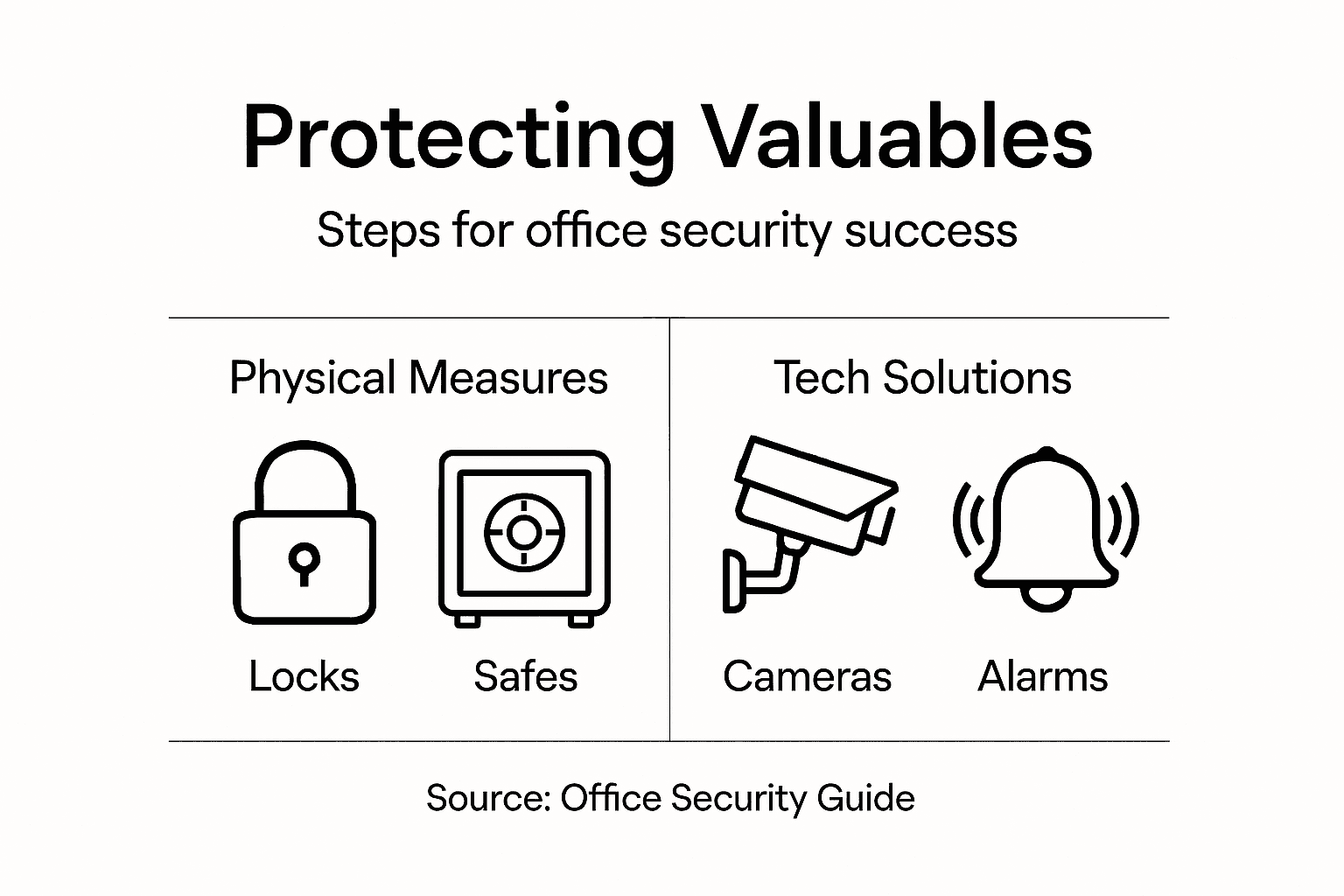
| Physical Security | Locks, safes, barriers | Prevents unauthorized entry |
| Technical Security | Biometrics, alarms, tracking logs | Monitors access and activities |
Here’s a quick comparison of common office security measures and their primary benefits:
| Security Measure | Main Function | Business Impact |
|---|---|---|
| Vulnerability Assessment | Identify risks and weak points | Prevents losses and increases awareness |
| Advanced Locks & Safes | Secure physical assets and documents | Minimizes theft or unauthorized access |
| Surveillance Systems | Monitor and record activities | Deters threats and supports investigations |
| Access Control Systems | Manage entry to sensitive areas | Protects data and critical operations |
| Regular Security Reviews | Maintain and improve protection | Ensures adaptive, up-to-date defenses |
Strengthen Your Office Security with Trusted Solutions from Safes and Security Direct
Protecting valuables in your office requires more than just awareness. The challenges highlighted in this article—from identifying security vulnerabilities to installing advanced locks and deploying surveillance systems—reflect the complexity of safeguarding your critical assets. If you want to prevent unauthorized access and enhance monitoring efficiency, it is essential to rely on professional-grade products designed for durability and reliability.
Explore our extensive selection of high-quality safes and cutting-edge security cameras that align perfectly with your office’s needs. Whether you are focused on securing sensitive areas with multi-factor authentication locks or upgrading your surveillance with motion detection and remote monitoring, our range has been carefully curated for businesses that do not compromise on safety.
Take the proactive step to protect what matters most. Visit Safes and Security Direct now to find advanced locking systems and surveillance technology tailored to your office security goals. Secure your office environment today before vulnerabilities turn into costly losses. Start shopping with confidence at Safes and Security Direct and make the right investment in your peace of mind.
Frequently Asked Questions
How can I identify security vulnerabilities in my office?
Start by conducting a comprehensive physical walkthrough of your office to observe potential weak points. Document any areas of concern, such as unsecured entry points or inadequate surveillance coverage, within a week of starting your assessment.
What types of locks should I install for better security in my office?
Consider using electromechanical combination locks or biometric authentication systems, as they offer higher security than traditional locks. Aim to upgrade all main entry points within 30 days to enhance overall protection.
How do I choose the right location for installing safes in my office?
Install safes in areas that are not easily visible and have controlled access to minimize the risk of theft. Evaluate potential hiding spots and aim to secure sensitive documents and equipment within two weeks.
What features should I look for in a surveillance system for my office?
Select a system with advanced features such as motion detection and the ability to monitor blind spots. Plan to deploy the surveillance system strategically over the next month to ensure complete coverage of critical areas.
How can I maintain and verify my office’s security measures?
Establish a regular schedule for security system audits and employee training to ensure continued effectiveness. Aim to conduct these reviews at least once every six months to stay ahead of potential threats.
What protocols should I implement for limiting access to sensitive areas?
Create a multi-factor authentication system that includes keycards and visitor management protocols. Implement these access controls within the next 45 days to effectively restrict entry to high-risk zones.
Recommended
- Why Invest In a Safe for Valuables: Real Protection – Safes and Security Direct
- Fire Resistant Metal Filing Cabinets: Essential Fire Safety – Safes and Security Direct
- How Safes Prevent Theft: Real Protection Explained – Safes and Security Direct
- Fireproof Filing Cabinets: Secure Your Documents – Safes and Security Direct